In Codex
Use ChatCut's Old Photo Restoration on grandma-1962.jpg. Restore and colorize; her dress was light blue. Show me the estimate first.
Upload an old photo and get it back without scratches, creases or stains, with clearer faces and, if you like, natural color.
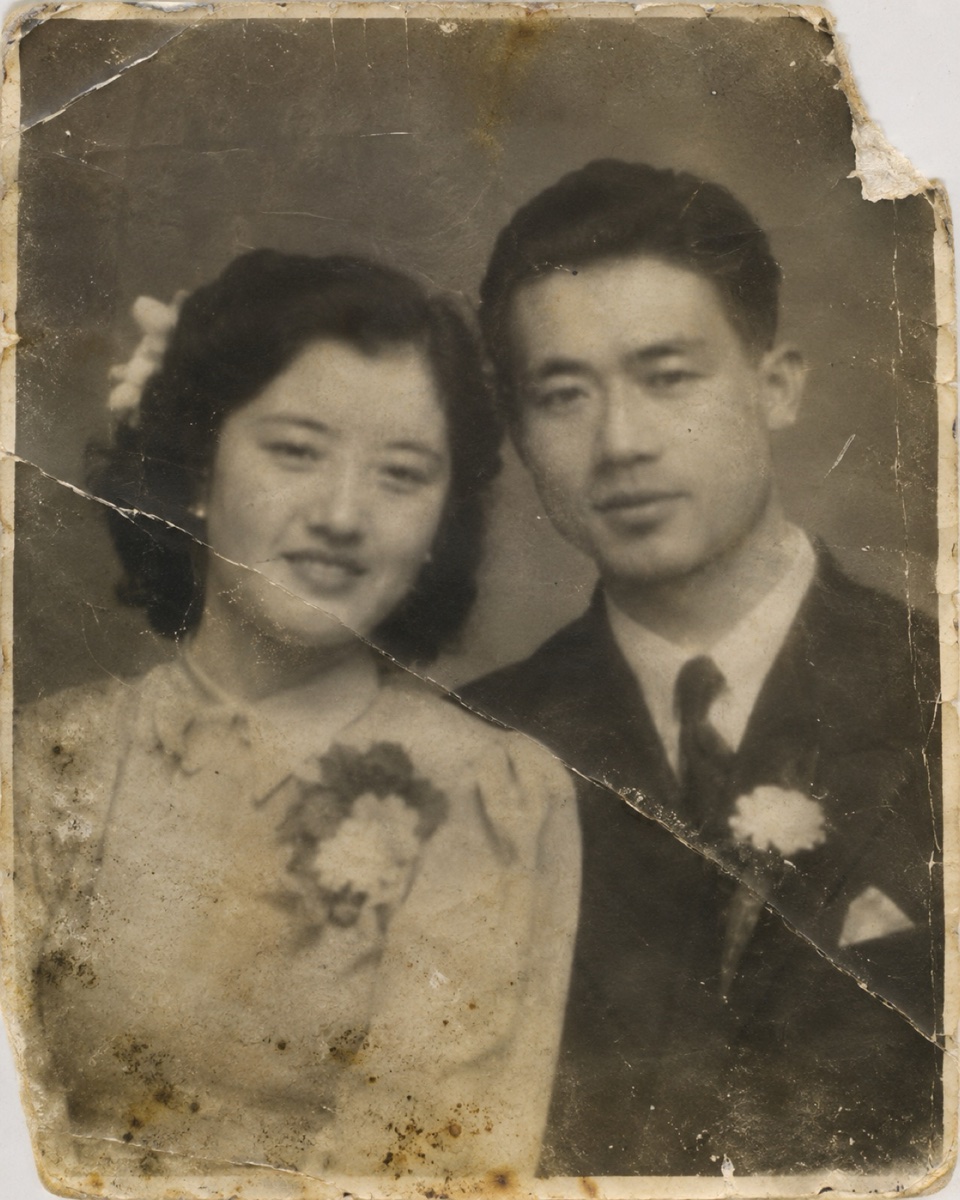 1940s couple, scratched
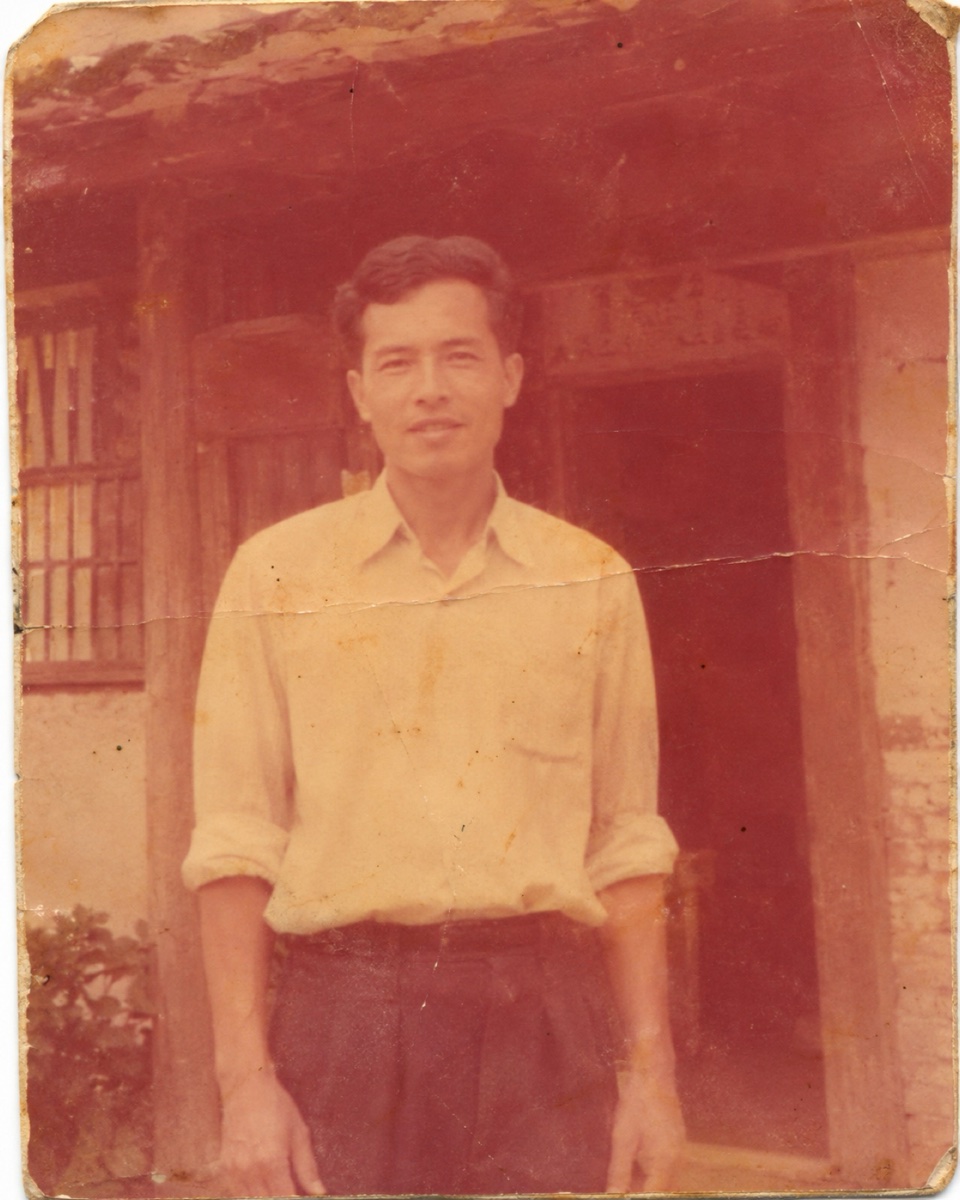 1960s faded color
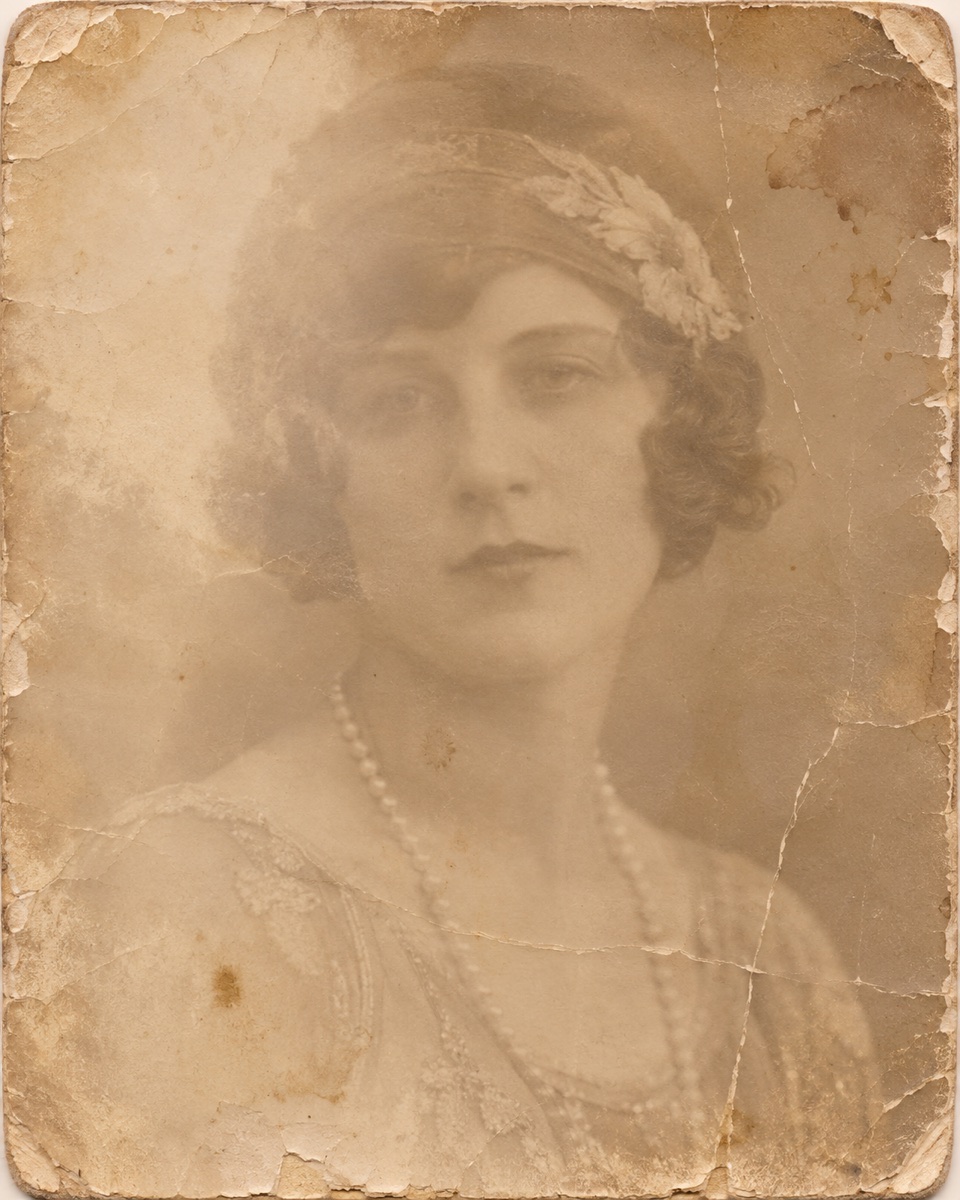 1920s sepia portrait
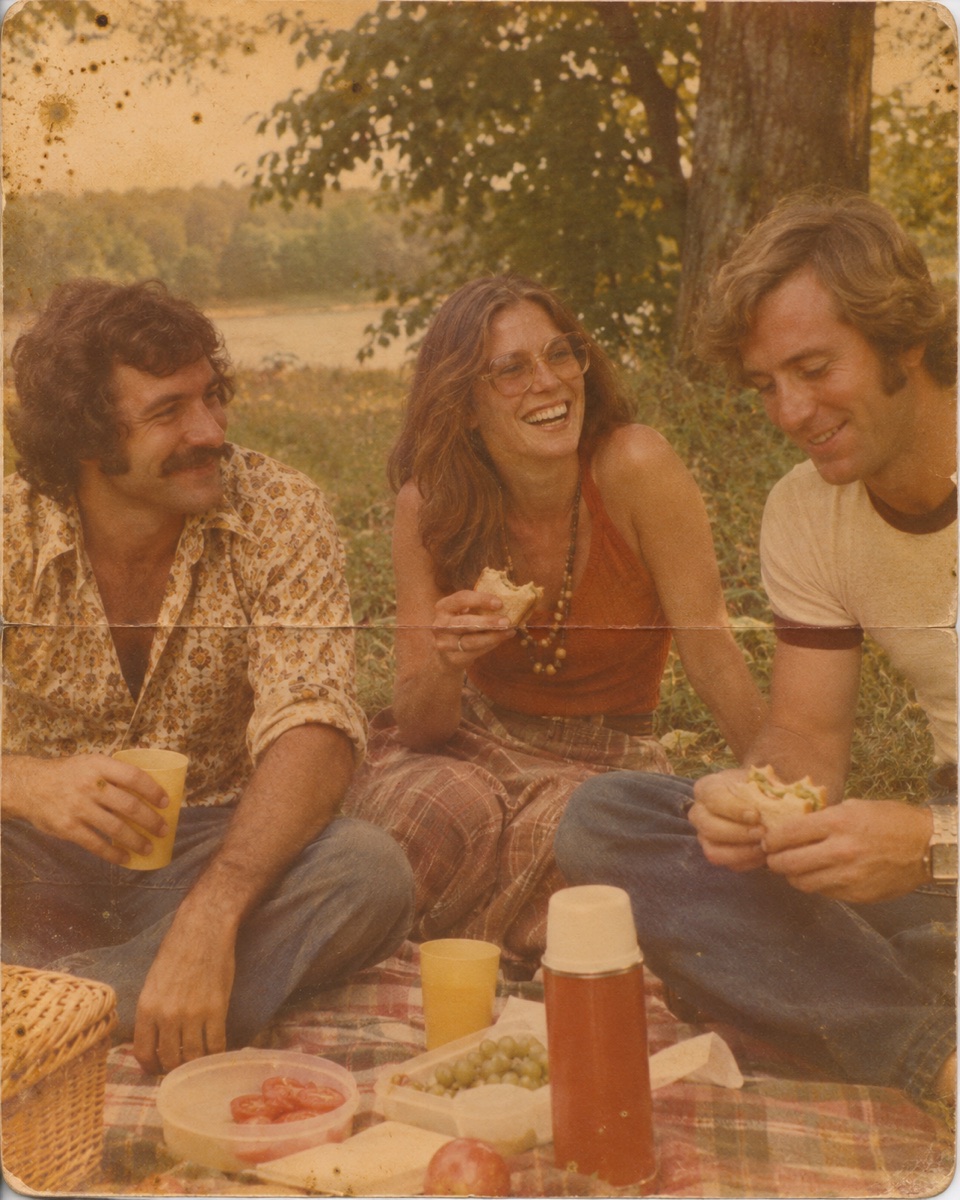 1970s picnic snapshot






Trusted by 400,000+ creators
The damage goes; the people in the photo stay exactly who they were.
Dust, tears, folds, water marks and fading are cleaned up across the whole print.
Faces are sharpened without beautifying, so grandparents still look like themselves.
Keep the original black-and-white or sepia tone, or add natural color, guided by hints you give.
Optionally turn the restored photo into a short clip with a soft blink, smile or head turn.
Scan or photograph the print, then let ChatCut repair it.
Upload a scan or a phone photo of the print, or try one of the samples.
Restore and colorize is the default. Pick restore only to keep the original tone, and add notes such as "keep the writing in the corner".
Check the estimate, compare the result with the original, and download it, plus the clip if you made one.
Families keeping the only copy of a moment from decades ago.
Bring wedding photos, school portraits and holiday snapshots back before they fade further.
Repair photos with folds, tears or water damage from a box in the attic.
Restore a portrait for an anniversary, a reunion or a memorial service.
Connect ChatCut in Codex or Claude Code and point it at the scan.
In Codex
Use ChatCut's Old Photo Restoration on grandma-1962.jpg. Restore and colorize; her dress was light blue. Show me the estimate first.
In Claude Code
Use ChatCut to restore wedding-scan.png, restore only, keep it black and white, and keep the date written in the corner.
Also on Grok and Antigravity. See all plugins.
Sharpen it further, frame it with a new background, or put several restored photos into a slideshow in the same ChatCut project.
100+ Skills. No experience needed. Start in one click.
Unlock member features, models, and export allowances. Get more credits every month
Billed annually · $252
16% offBilled annually · $456
24% offBilled annually · $864
28% offBilled annually · $1692
30% off$0No credit card required
Some features are completely free in Codex, Claude, and WorkBuddy. Learn More
| Credits per month | Monthly | Annual |
|---|---|---|
| Starter · 100 credits / month | $25/month Billed monthly | $21/month $252 · Billed annually |
| Plus · 200 credits / month | $48/month Billed monthly | $38/month $456 · Billed annually |
| Pro · 400 credits / month | $92/month Billed monthly | $72/month $864 · Billed annually |
| Max · 800 credits / month | $180/month Billed monthly | $141/month $1692 · Billed annually |
| Max · 1,200 credits / month | $270/month Billed monthly | $211/month $2532 · Billed annually |
| Max · 2,000 credits / month | $450/month Billed monthly | $351/month $4212 · Billed annually |
Yes, but large missing areas, such as part of a face, are filled in by AI, so they may not match exactly how it looked.
No beautifying and no new faces. People keep their features and age; only the damage and blur are fixed.
No. Choose restore only to keep the black-and-white or sepia tone. Colorizing is the default because most people want both.
They are AI's best guess, not historical research. Add color hints, like a uniform or a dress color, if you know them.
Optionally, with a gentle blink and smile or a slight head turn. It's an AI-made motion, not real footage, and isn't offered for photos of children or well-known public figures.
Restoring, colorizing and animating are each charged in credits. Image and video generation need a paid plan, and you see the estimate before it runs.
Guides: Image generation
AI apps
Convert & compress
Edit video
Audio & voice